Administrative Links

Steps for Planning and Promoting Your Event at OKMBC

This guide helps ministry leaders plan, approve, and promote events effectively. Click a step to read more.

Step 1: Start with Approval
  • Complete the Facility Use Request Form to:
    • Get event approval after speaking with your Ministry's Elder/Deacon.
    • Request facility use (indoor or outdoor) and add the event to the internal calendar.
    • Initiate building access, HVAC, and Security Officers for your event.
    • Provide high-level info to support ministries (e.g., Culinary, Beautifying) for setup.
Step 2: Provide Event Details
  • Once approved and fully planned, submit details and requests:
Step 3: Market Your Event

Step 4: Additional Needs

Ministry Event Graphic Sizing Guidelines

Create it once. Size it right. Help us promote it everywhere.

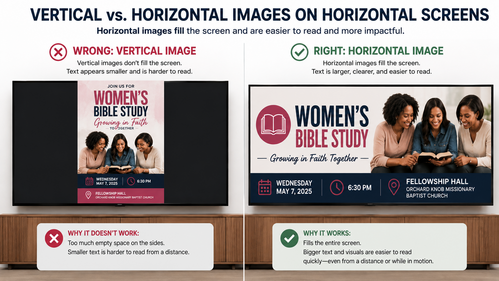
Horizontal graphics are the required format for church media displays.

Most of our digital screens, video announcements, website banners, and presentation displays use a 16:9 horizontal format. Vertical/portrait flyers are designed primarily for print and mobile viewing and should not be submitted as the primary event graphic for church media displays.

When creating an event graphic, please design a horizontal version first, then create additional sizes as needed for social media and other platforms.

Best all-purpose size: 1920 × 1080 px (16:9)

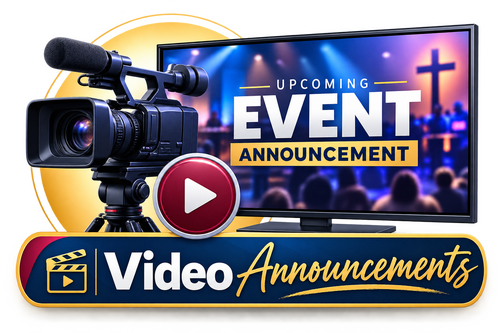
Video Announcements

Recommended: 1920 × 1080 px | 16:9

Graphics displayed during video announcements and worship presentations should be created in a 16:9 widescreen format. Keep important text large, concise, and away from the outer edges of the graphic.

Best size: 1920 × 1080 px

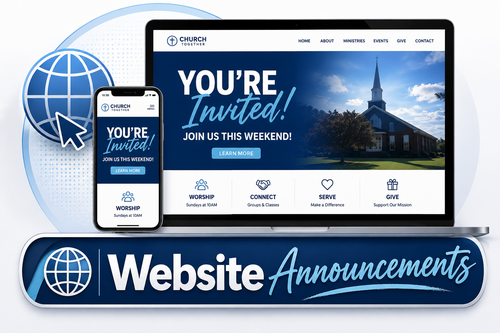
Website Annoucements

Recommended: 1920 × 1080 px | 16:9

For website events and announcements, providing multiple versions allows the Media Team to properly display your event across desktop and mobile layouts.
Requested sizes:

If only one graphic is being created, submit the 1920 × 1080 px version.

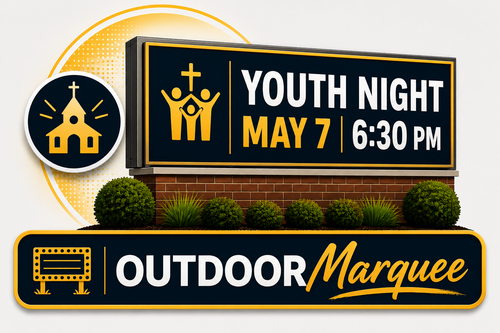
Outdoor Marquee

Required: 240 × 120 px | 2:1

The marquee is viewed quickly, from a distance, and often from moving vehicles. Keep graphics simple and easy to read.

Use large fonts, minimal wording, simple backgrounds, and strong contrast.

Include only:
Event Name • Date • Time


Avoid script fonts, busy graphics, small text, QR codes, addresses, and lengthy details.

Rule: If it can’t be understood in a few seconds, it’s too much.

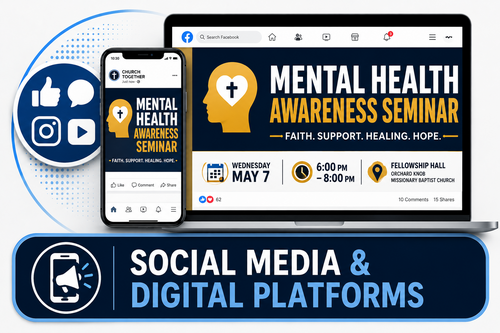
Social Media & Digital Platforms

Social platforms use different image sizes. Providing the correct format helps prevent cropping, cut-off text, or poor image quality.
Recommended Sizes:
  • Facebook/Instagram Feed: 1080 × 1350 px
  • Facebook/Instagram Square: 1080 × 1080 px
  • Stories/Reels: 1080 × 1920 px
  • X (Twitter): 1600 × 900 px
  • YouVersion Events must have both: 
    • 1440 × 810 px
    • 640 × 640 px

Tip: Keep important text and images away from the edges to prevent cropping.